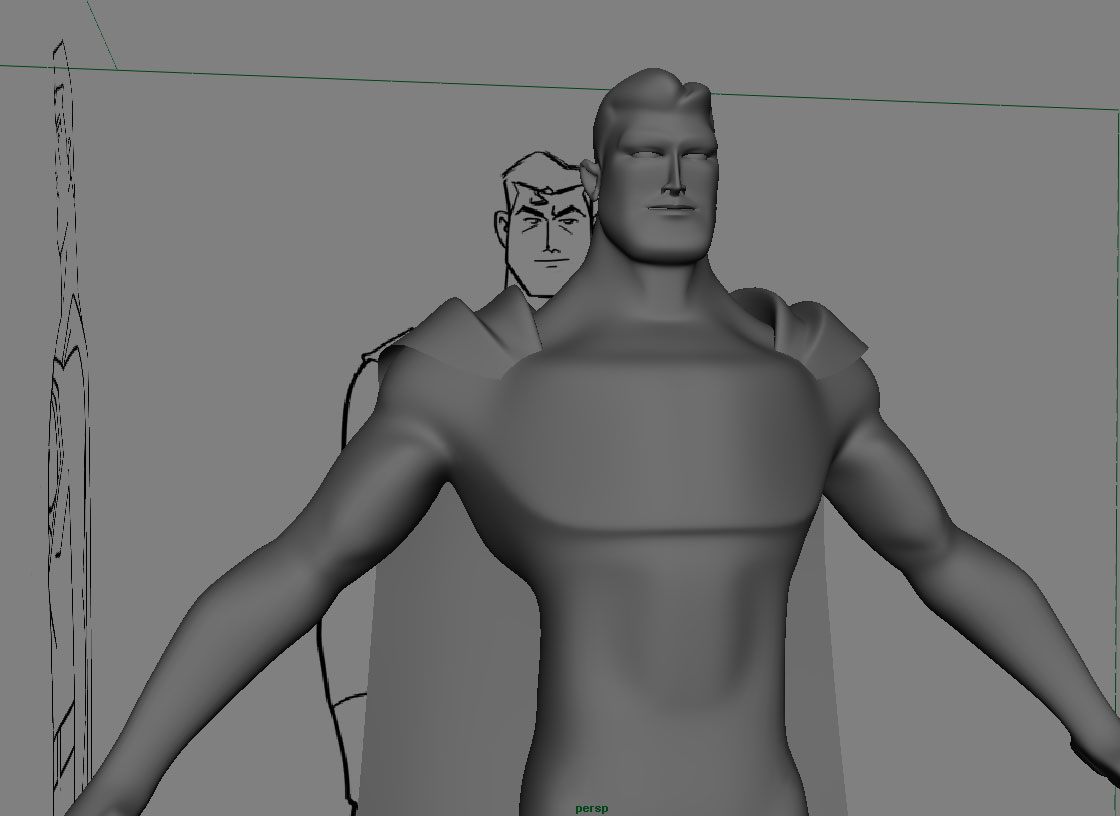
This is an animateable character model and rig. The rig features IK/FK arms, reverse foot leg setup and custom shoulder, spine, neck and head animation controls.

Now this first image is of the polygonal model over the skeleton and control curves. The skeleton is a series of joints that I will show to you later. For now let’s talk about the control objects used to drive this skeleton. From the bottom up, there is a large triangle on the ground plane which can be used to move the entire rig without deforming the skeleton or changing it’s pose. this way the model can be placed generally anywhere in a scene.
Inside that triangle are two foot-shaped curves; one red, the other blue. (The red and blue correspond to left and right respectively throughout the control scheme for the entire rig) Each footshape is a control that moves the expected foot, and with the help of the IK handle attached to it, bends the leg. There are also extra animateable channels created that allow the animator to more precisely control the foot. With these channels the character can be made to point its toes, tap its foot, pivot on the toe or heel, and many other more complex foot actions.
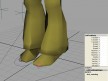
There is also a knee locator used to orient the leg. It is the star cross shaped object in front of each leg. That locator helps create a plane upon which the joints between that particular IK chain root and handle lie. By keeping the joints in line on a plane, you help ensure that no unfortunate IK resolutions end up making your character look like he crossed the mafia. It’s not failsafe (make sure to keep it in front of the leg) but it helps tremendously.
At the hips there are two manipulators rings, one larger than the other. These rings are use to move(translate) and orient(rotate) the hips and upper body. The larger ring moves the hips in space and allows the character to bend at the hips. The smaller ring is used for any hip rotation that is necessary. Using that smaller ring, your character can bogle, salsa, or do the MJ pelvic thrust with the best of them.
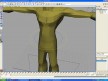
There are three separate control objects along the back. The lowest one controls the spine, so you can curve the spine forward left or right, or arch the back. The middle control animates the neck, and the final control animates the head. All of these animations are handled using the rotate attributes of the controls. The spine manipulator actually controls the rotation of five separate spine bones at once, consolidating what may otherwise be an annoying amount of keyframes.
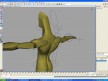
Each hand has a number of controls on it. At the wrist are two controls partially overlapping. The flat circles handle IK control of movement of the arms. The bent circle handles rotation of the hands. It also has a channel that toggles or mixes percentage of IK and FK control of the arms. The triangular objects above the hands handle animation of the fingers. There is also a locator(star cross object) behind the elbow that helps maintain elbow angle if IK animation is on. If IK animation is not being used, then the arm joints may be animated manually (upper arm, lower arm).
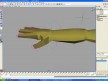
Finally, there is a control over each shoulder that allows the shoulders to be shrugged and pitched forward or backward independently.
RSS feed for comments on this post. / TrackBack URI